
Social Media Kit — post it in minutes
Save a graphic, copy the matching caption, add your enrollment link to your bio, and post. Want your logo on it? There's an optional Canva link under each graphic.
⚠️ Do this first: put your unique enrollment link in your Instagram (or Facebook) bio. Every caption says “link in bio” — if your link isn't there, families have nowhere to click.
Graphic 1 · Instagram / Facebook feed
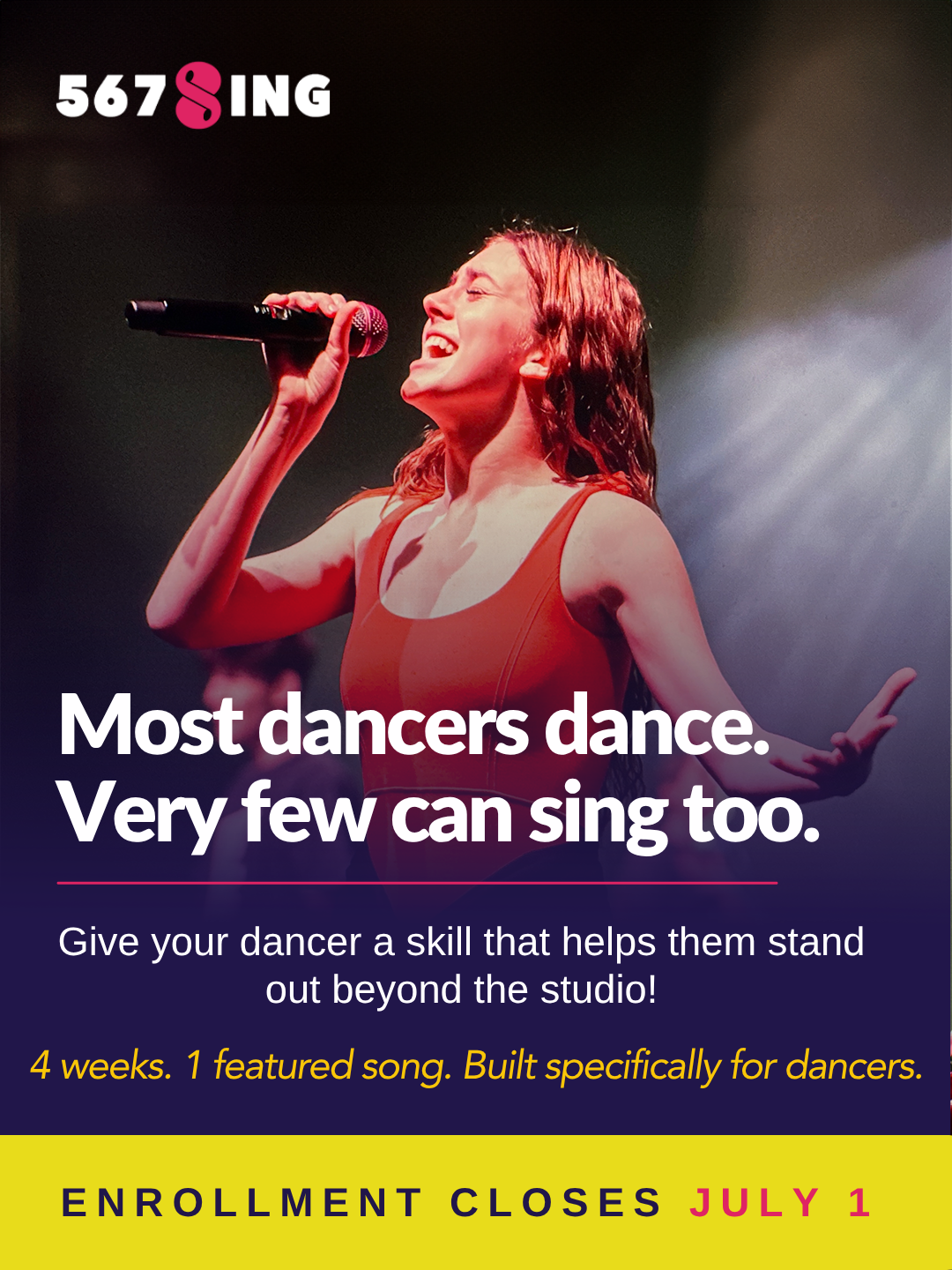
Feed graphic ("Most dancers dance. Very few can sing too.")
📲 Save imagepress & hold on mobile · right-click on desktop
+ Optional: open in Canva to add your studio logo
Caption
Graphic 2 · Instagram story / reel
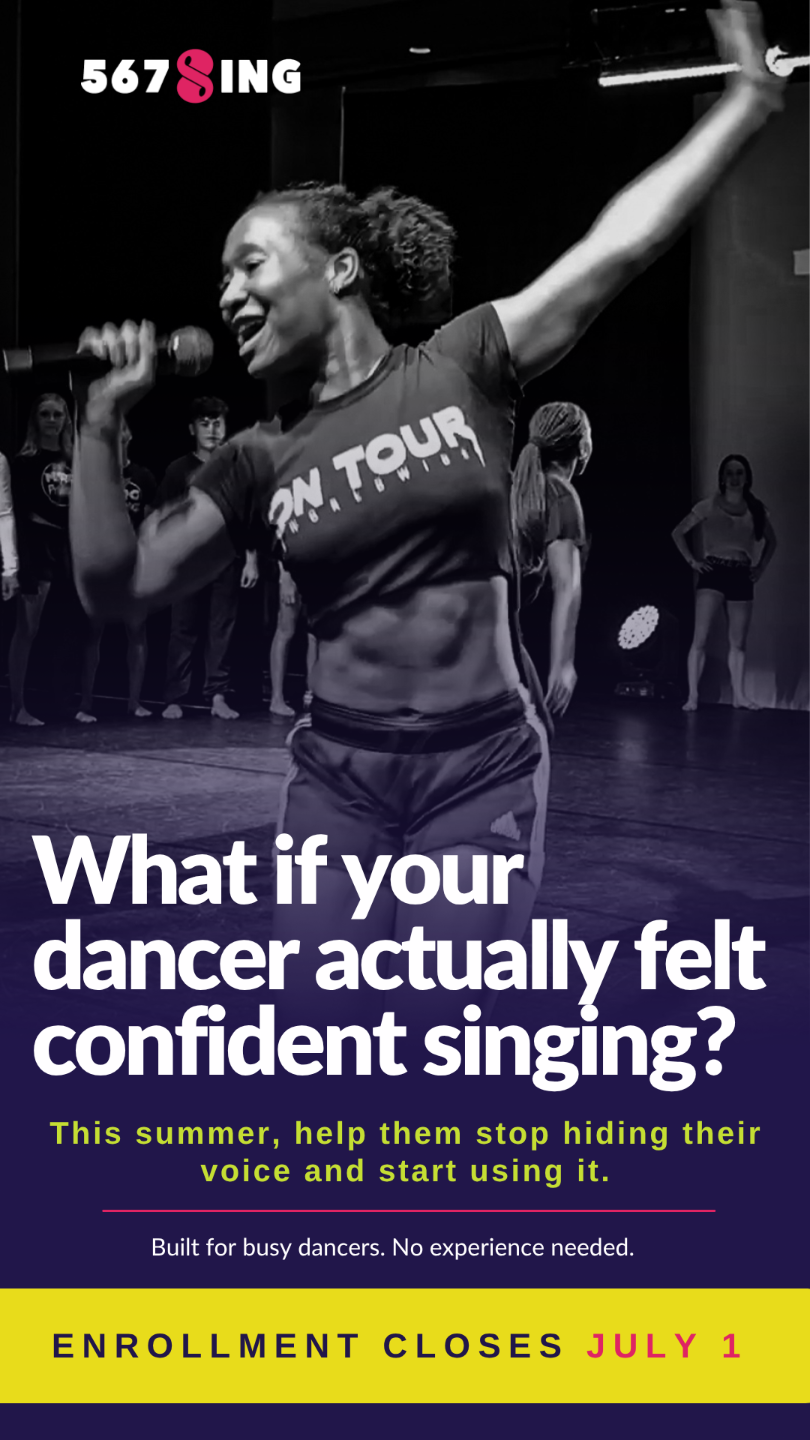
Story graphic ("What if your dancer actually felt confident singing?")
📲 Save imagepress & hold on mobile · right-click on desktop
+ Optional: open in Canva to add your studio logo
Caption
In every caption, replace [STUDIO NAME] and put your unique enrollment link in your bio. On Instagram, links aren't clickable in captions — that's why these say "link in bio." For Stories, skip the caption and add a link sticker pointing to your enrollment link.